Process LearnPress payments with Stripe Checkout with this WordPress plugin.
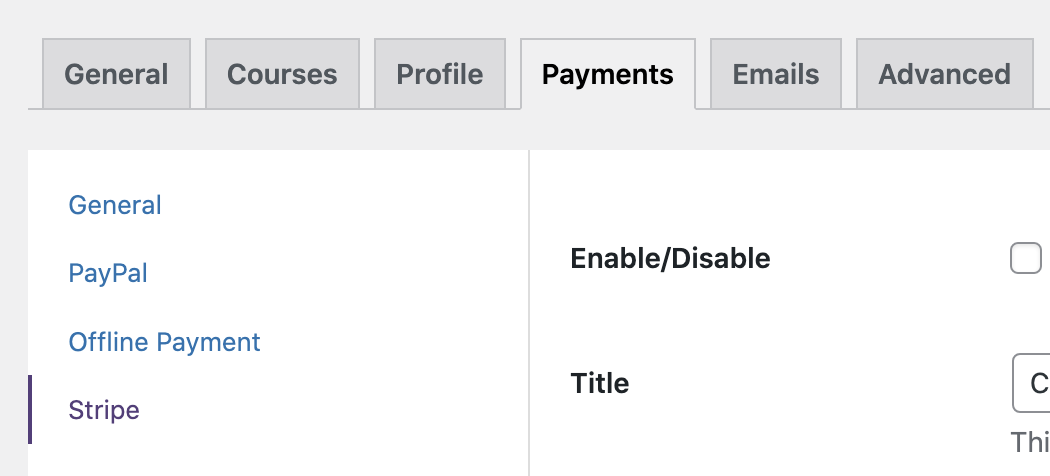
After activating the plugin you get the “Stripe” option in LearnPress payment settings.
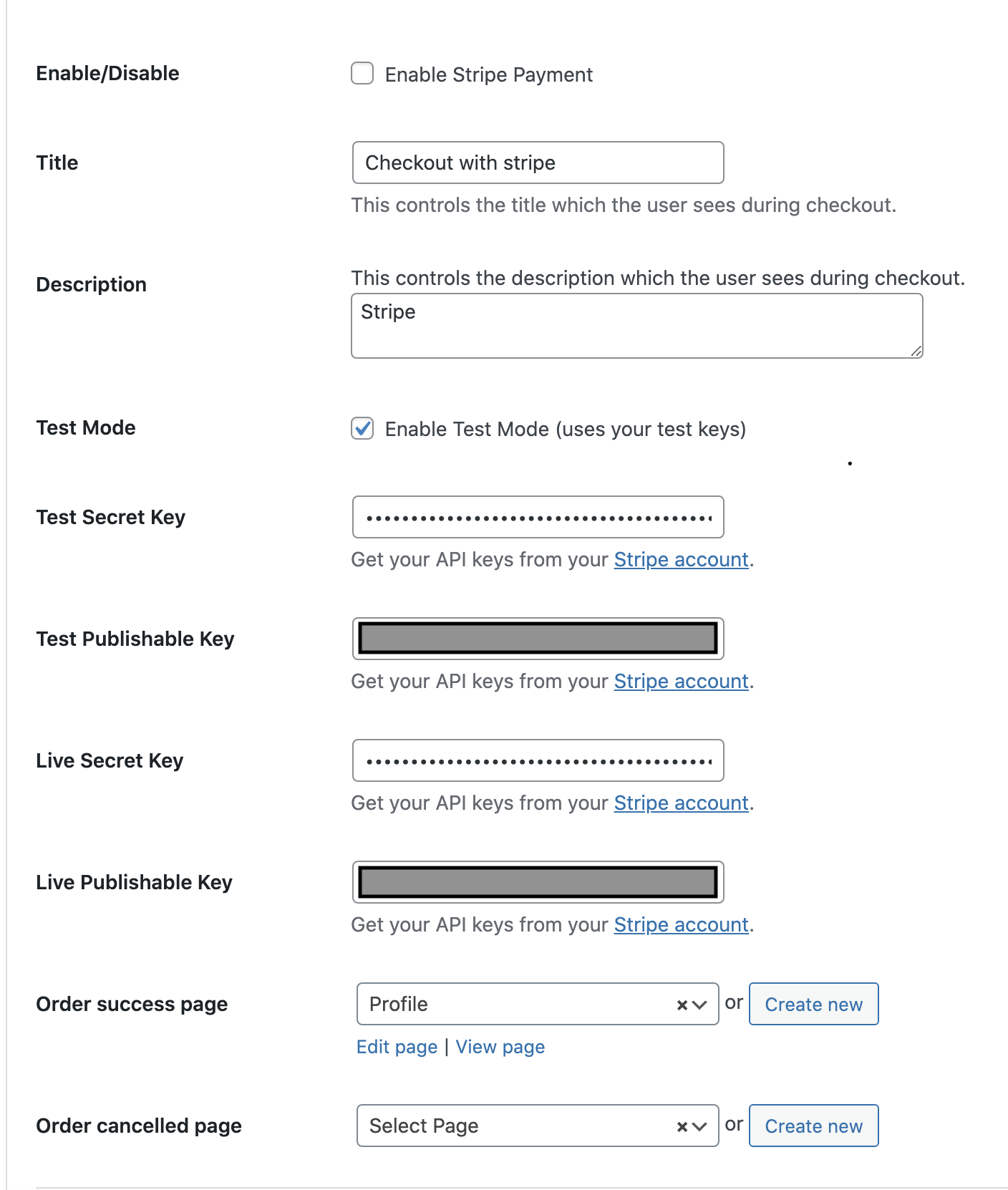
Fill in your settings (guide on how to get API keys from Stripe, here: https://stripe.com/docs/keys
Custom order success & order cancelled pages to give you more control over user flow.
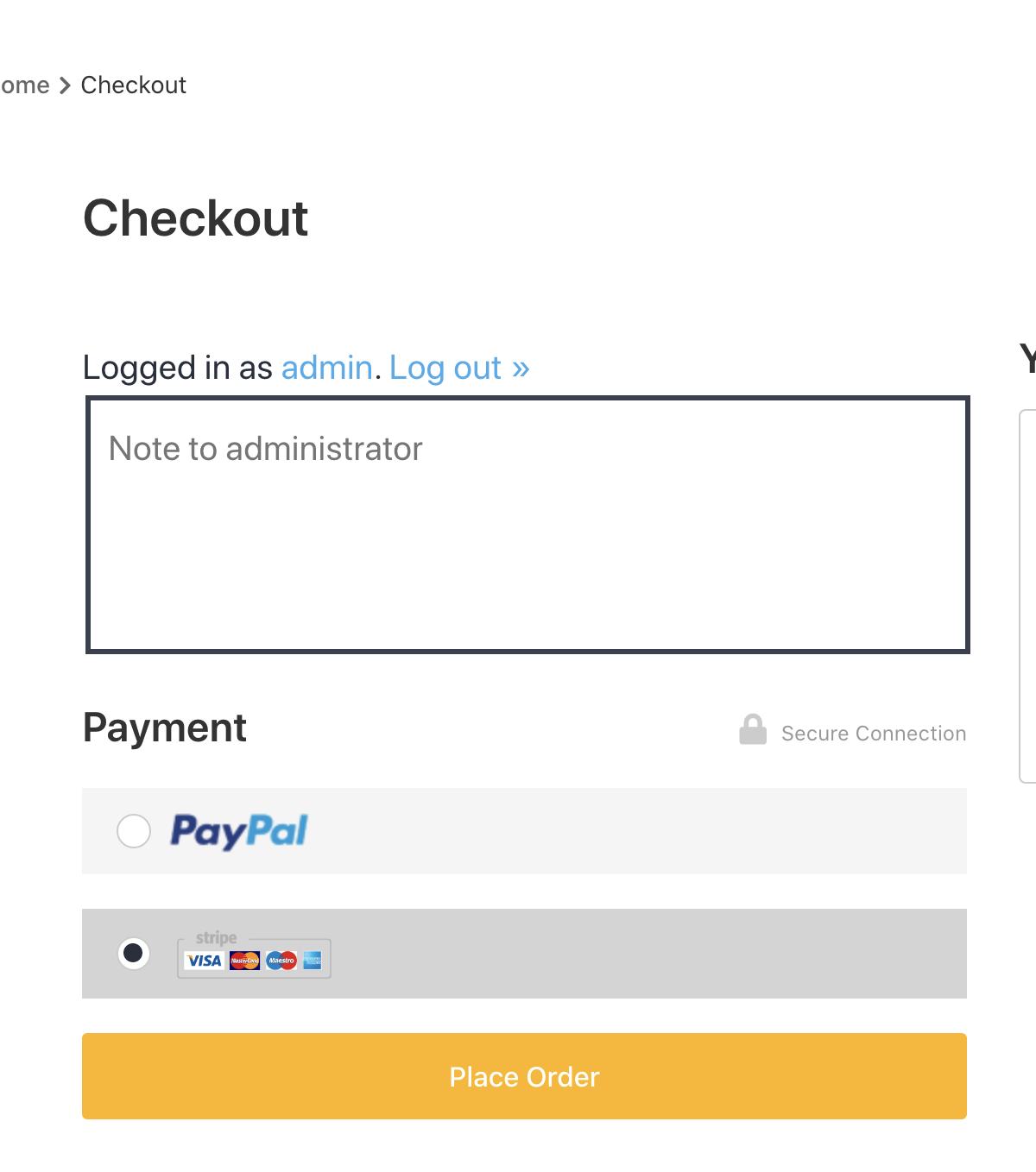
Once enabled, the Stripe optiob shows up under paypal.
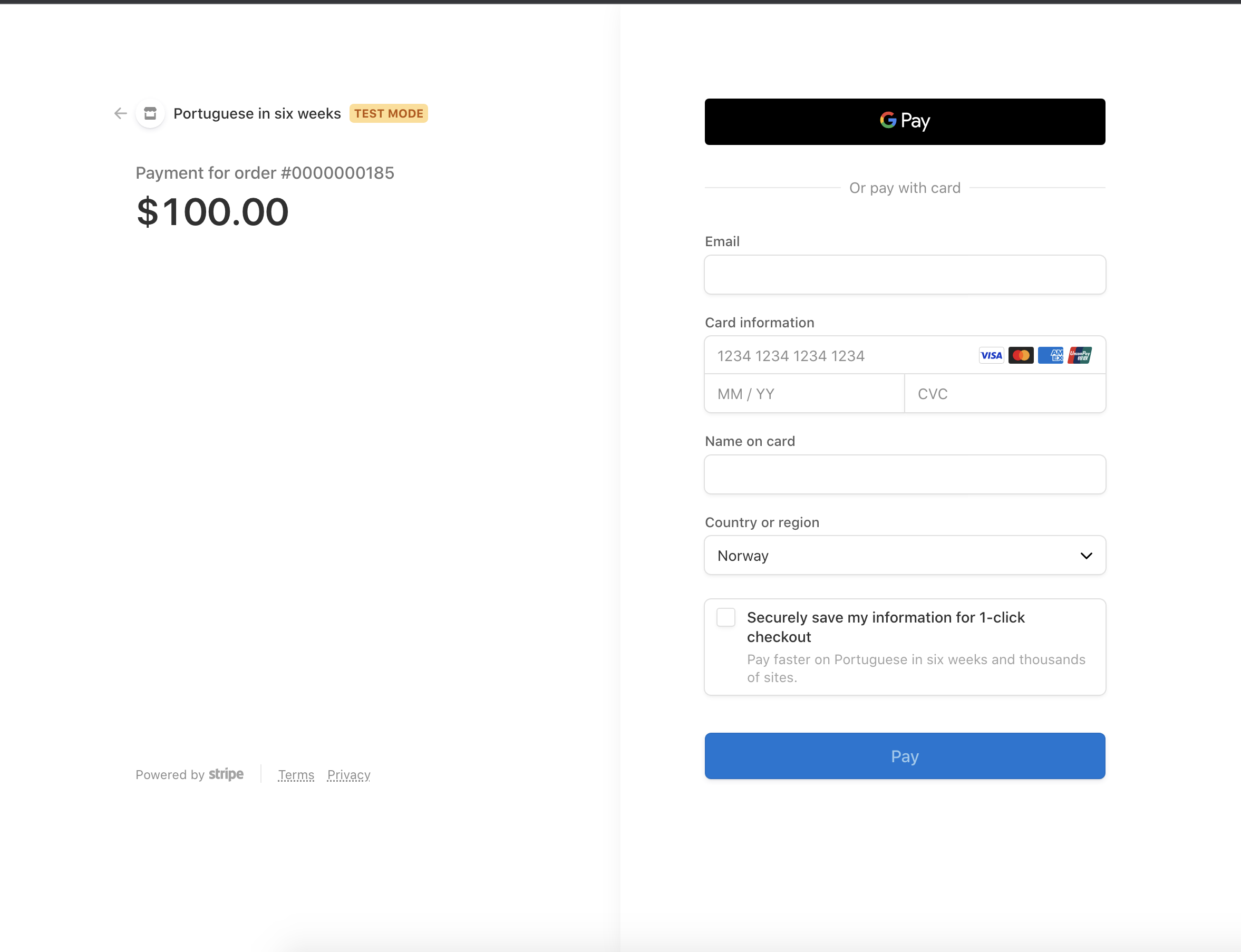
And when the user selects it, the Stripe Checkout procedure starts.
CHeck it out on Gumroad
Leave a Reply